

Search and rescue dog units work with vehicles, radios, lights, marking equipment, first aid kits, protective gear, consumables and documents. The larger the organization, the more important one question becomes: is everything ready?
Dashboard for resource status
The dashboard shows vehicles, equipment, due checks, assigned items, maintenance and low stock. Equipment managers can see where attention is needed.
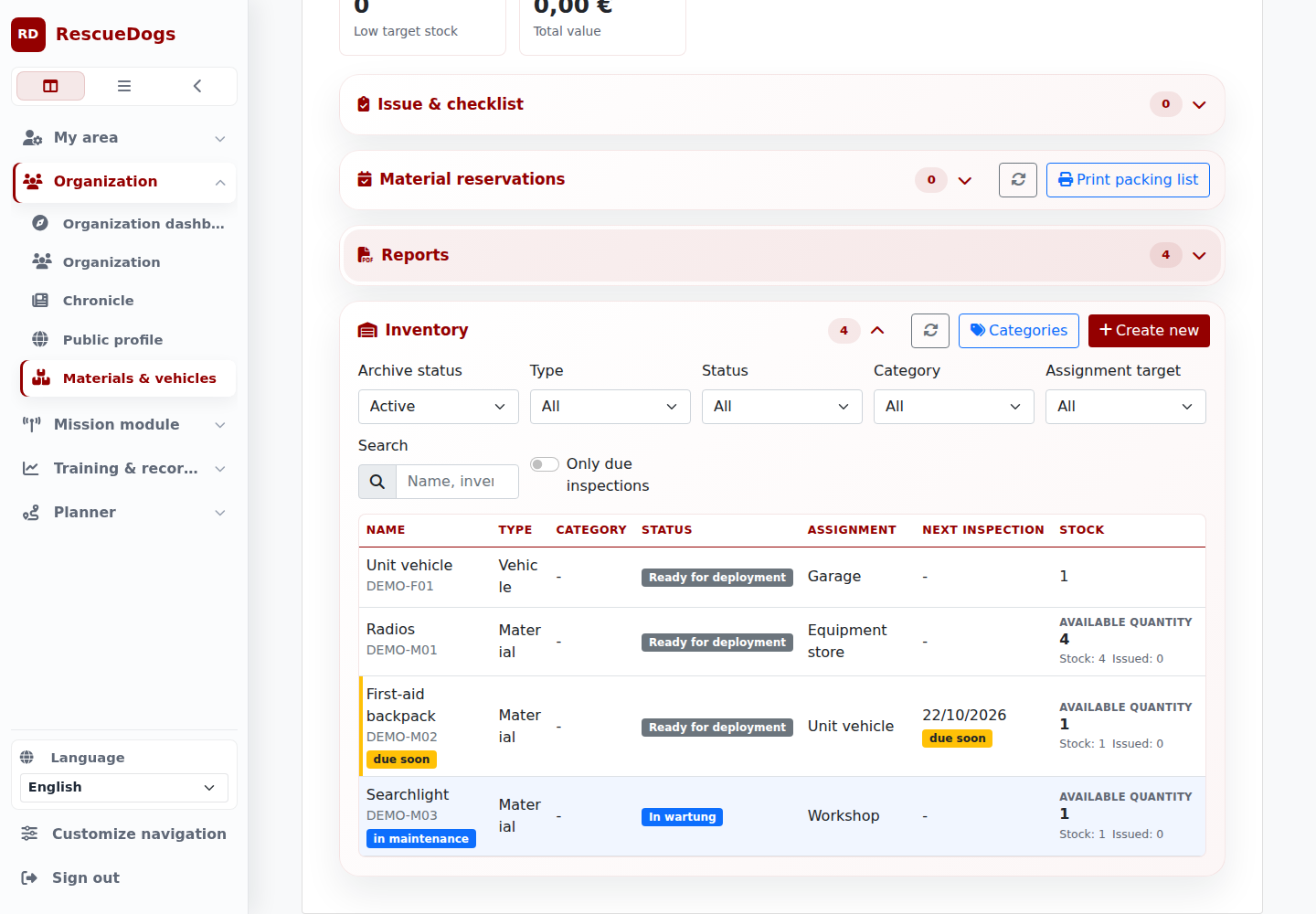
Example: a unit’s equipment inventory
Assignment, issue and return
Equipment can be assigned to a vehicle, person, storage location or external destination. Issue, return and relocation keep target, quantity and notes traceable.
Reservations for training, shifts and preparation
Reservations help teams reserve vehicles and equipment for training, duties, exams or planned missions before conflicts appear.
Checks and maintenance
Due dates can cover inspections, maintenance, insurance, approvals and service tasks. Upcoming and overdue checks appear in the overview.
Edit and complete existing inspections directly in the app. Keep the actual completion date separate from the next inspection date. If someone has changed the record in the meantime, you receive a notice before reloading. The inspection remains part of the existing equipment record.
Record your own inspection steps
Add your own steps to an inspection in the app or on the web. Mark each step as “Open”, “Passed” or “Failed” and add a note when useful. Each inspection keeps its own list in the history, and the web inspection report includes the steps.
For the next inspection of the same item, reuse the labels and order from its previous list. Every step starts open with no previous notes. Assessment and approval remain with the responsible inspectors.
Documents at the right object
Store photos, invoices, inspection reports, manuals, registrations or insurance documents where authorized people expect to find them.
On the web: from reservation to return
Use the shared resource calendar to see vehicles and equipment allocated to shifts and other reservations. Overlaps are checked before a booking is confirmed. A reservation remains separate from an actual issue.
Use existing kit templates for equipment that belongs together. Issue and return account for the kit’s contents together, while handover checks record condition, missing items or damage.
A stocktake compares counted quantities with the recorded stock. Authorized people can review differences and document a deliberate correction. Each item’s history keeps these actions traceable.
Resource overview is mission preparation.
Know what is ready, what is reserved and which checks are coming up.